From Campus Placements to Your First Tech Job: Practical Lessons
I turned a campus placement into a successful tech career by mastering daily routines, communication tricks, and continuous learning. Discover the exact steps that made my first months smooth and rewarding.

Chitranshu Rajput
8 min read
My first few weeks at HCLTech felt like stepping onto a new campus—only the lectures were sprint meetings, the cafeteria was a Slack channel, and the exams were live production bugs. If you’ve just walked out of a placement drive, the excitement is real but so is the anxiety: “Will I fit in? Will I keep up? How do I make the most of this chance?”
Below is a practical play‑book of habits and mindset tweaks that helped me move from fresh‑out‑of‑college to a contributing engineer in the first 90 days. Treat it as a checklist you can copy, adapt, and tick off as you settle in.
Setting the Right Expectations
Corporate culture ≠ college life
The first thing I realized was that “culture” isn’t a buzzword; it’s the day‑to‑day reality of how work gets done. In college you could pull an all‑night study session and still turn in an assignment the next day. In a tech firm, the rhythm is shaped by product releases, sprint cycles, and cross‑functional dependencies.
- Decision‑making: Teams often use data and consensus rather than a single “professor’s word.”
- Ownership: You’ll be expected to own a slice of the product end‑to‑end, not just finish a lab.
- Feedback loops: Performance reviews happen quarterly, not just at semester’s end, and they’re more granular.
Understanding these differences stops you from misreading signals and lets you align early.
Define short‑term goals for the first 90 days
I wrote down three concrete targets before my onboarding day:
| Goal | Why it matters | How I measured it |
|---|---|---|
| Complete the onboarding module and set up dev environment | Shows you can be productive on day 1 | All required tools installed, first commit pushed |
| Deliver a small, self‑contained feature (or bug fix) | Gives a tangible win and visibility | PR merged, reviewer’s approval |
| Get a 30‑minute one‑on‑one with my manager and one teammate | Builds trust and clarifies expectations | Calendar invite confirmed, notes taken |
Pick goals that are specific, achievable, and visible to your manager. Share them in your first one‑on‑one so you both know what success looks like.
Align with manager expectations
Don’t wait for the manager to guess what you need. In my first meeting I asked:
- What does a “good” performance look like for a new hire in this team?
- Which metrics or deliverables should I focus on in the first month?
- How do you prefer to receive updates—daily stand‑up notes, a short email, or a shared spreadsheet?
Writing down the answers and reviewing them weekly kept me on track and showed my manager that I’m proactive.
Building a Productive Daily Routine
Time‑box tasks
College assignments often had flexible deadlines, but in a sprint you have a hard cut‑off. I started using the Pomodoro‑style time‑boxing:
- Block 1–2 hours for deep coding (no Slack, no emails).
- 15‑minute break to stretch or glance at messages.
- 30‑minute slot for meetings, code reviews, or documentation.
If a task spills over the block, I note the reason (e.g., waiting on a teammate) and move it to the next slot. This makes progress visible and prevents “task creep.”
Balance deep work and meetings
My calendar quickly filled with stand‑ups, sprint planning, and ad‑hoc syncs. I protected my deep‑work window by:
- Adding a “focus” label on Outlook/G‑Suite that signals I’m unavailable unless it’s urgent.
- Scheduling meeting‑free afternoons twice a week, swapping a short sync for a quick async update in the team channel.
When a meeting feels unnecessary, I politely ask if the agenda can be covered in a chat message. Most senior engineers respect focused time—they’ve been there too.
Use tools for task tracking
I migrated my to‑do list from a handwritten notebook to GitHub Projects (or Jira, if your team uses it). The workflow:
- Create a card for every feature/bug you’re assigned.
- Add labels like “in‑progress,” “blocked,” or “needs‑review.”
- Move the card across columns as you finish each stage.
The visual board not only reminds you of what’s pending, it also gives your manager a quick snapshot of your workload.
Effective Communication in a New Team
Active listening and asking good questions
During sprint planning, I used the “listen‑first, clarify‑later” rule:
- Listen fully to the product owner’s description.
- Paraphrase the requirement back: “So the user should be able to filter results by date, right?”
- Ask focused questions that show you’re thinking ahead, e.g., “Do we have any existing API for date parsing, or should I build one from scratch?”
This approach reduces misunderstandings and signals that you care about delivering the right thing.
Writing clear emails and status updates
A typical status email I send looks like this:
Subject: [Team‑X] Daily Update – 12 Oct

Hi Team,

- **Completed:** Refactored the auth middleware (PR #342) – passed CI.
- **In progress:** Implementing pagination for the search endpoint (expected finish by EOD tomorrow).
- **Blockers:** Waiting on the design assets for the new UI (requested from UI lead).

Let me know if anything needs re‑prioritisation.

Thanks,
Kittu
Notice the bullet format, concise verbs, and a clear “blockers” line. It’s easy to scan, and teammates can jump in if they can help.
Navigating feedback and performance reviews
When my first code review came back with “please refactor this method,” I could have taken it personally. Instead I:
- Read the comments twice before replying.
- Ask clarifying questions if a suggestion isn’t clear: “Could you point me to the preferred pattern for handling errors here?”
- Apply the feedback promptly and thank the reviewer in the PR comment.
For formal reviews, I keep a “wins‑log”—a short note after each small win (feature shipped, bug fixed, positive feedback). At review time I pull the log together; it saves the scramble of trying to remember everything.
Accelerating Technical Growth
Identify skill gaps early
During my first sprint I realized I was rusty with containerisation and CI/CD pipelines—both essential for the team’s DevOps flow. I listed the gaps in a simple table:
| Skill | Current level | Target level (3 months) | Resources |
|---|---|---|---|
| Docker basics | ★★☆☆☆ | ★★★★☆ | Internal docs, Docker tutorial on YouTube |
| Jenkins pipelines | ★☆☆☆☆ | ★★★☆☆ | Company’s “Jenkins 101” workshop |
Having a visual map helped me discuss the gaps with my manager and request a short internal workshop.
Leverage internal learning resources
Most large firms have a Learning Management System (LMS) or a shared Google Drive with recorded tech talks. I set a recurring 30‑minute slot on Tuesdays to watch one video or complete a short module. Because the content is often tied to the product, the knowledge sticks faster.
If the LMS feels stale, I ask senior teammates for “cheat sheets” or GitHub repos they use for common tasks. Real‑world examples beat generic MOOCs every time.
Find mentors and peer learning groups
I reached out to a senior engineer whose code I admired and asked for a monthly 15‑minute coffee chat (virtual or in‑person). The agenda was simple:
- Review a piece of my code.
- Discuss a design pattern I’m learning.
- Get career advice for the next 6 months.
In addition, I joined the “New‑Grad Engineers” Slack channel. Weekly “show‑and‑tell” sessions let us share a cool trick we discovered, and the collective feedback accelerates learning for everyone.
Managing Work‑Life Balance Early On
Set boundaries to avoid burnout
When I started, I was tempted to answer Slack messages at 10 pm because the team was in a different time zone. I quickly realized that consistent over‑hours erode productivity. I communicated a clear rule:
“I’m offline after 8 pm IST unless it’s an emergency. For anything else, I’ll reply the next morning.”
Most teammates respect it once they see you’re still delivering during core hours.
Prioritize health and hobbies
I kept a simple habit tracker (Google Sheet) with three rows:
- Exercise – 30 min walk or stretch.
- Sleep – aim for 7 hours.
- Hobby – reading a non‑technical book or playing the guitar.
Seeing the streaks grow gave me a dopamine boost separate from work achievements.
Use weekends for upskilling without overload
Instead of cramming a full‑day tutorial on Saturday, I break it into two 45‑minute sessions: one on Saturday morning, another on Sunday evening. This keeps the learning fresh and leaves room for family or outings. I also treat the weekend as a “reset”—no work email notifications, only personal growth activities.
Showcasing Impact and Planning Next Steps
Document achievements for performance reviews
After each sprint, I add a “Key Contributions” bullet in my personal wiki:
- Implemented pagination for search API, reducing response time by ~30% (measured via internal monitoring).
- Mentored two interns on Git workflow, resulting in 5 merged PRs without major conflicts.
When the review period arrives, I copy these bullets into the review form. Concrete numbers (even approximate) speak louder than vague statements like “did a good job.”
Create a personal development plan (PDP)
A PDP is a living document. My template includes:
- Vision (12 months): Become a full‑stack contributor on the core product.
- Milestones (quarterly):
- Q1: Own a feature end‑to‑end.
- Q2: Lead a small internal tool project.
- Q3: Present a tech talk on performance optimisation.
- Learning actions:
- Complete internal “Advanced React” course.
- Attend a local meetup on cloud architecture.
Review the PDP with your manager every quarter and adjust as needed.
Preparing for future opportunities
Whether you aim for a senior role within HCLTech or plan to explore other firms, keep an up‑to‑date portfolio:
- GitHub repos with clean READMEs.
- Technical blog posts summarising what you solved.
- LinkedIn updates highlighting completed projects (keep company‑confidentiality in mind).
When a new opening appears—say a rotation to a product‑innovation team—refer back to your documented achievements and PDP. It makes the internal application process smoother and shows you’re ready.
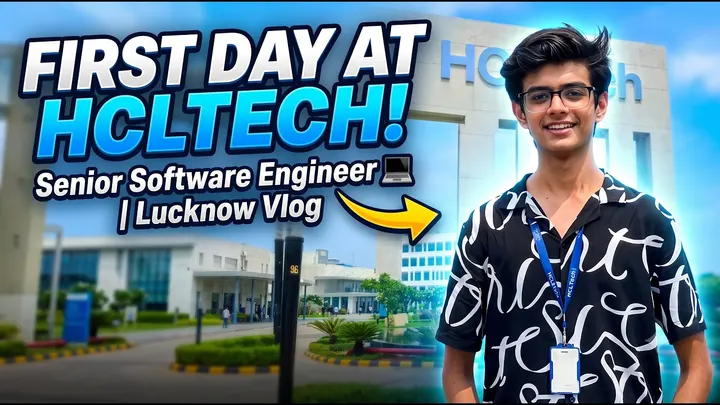
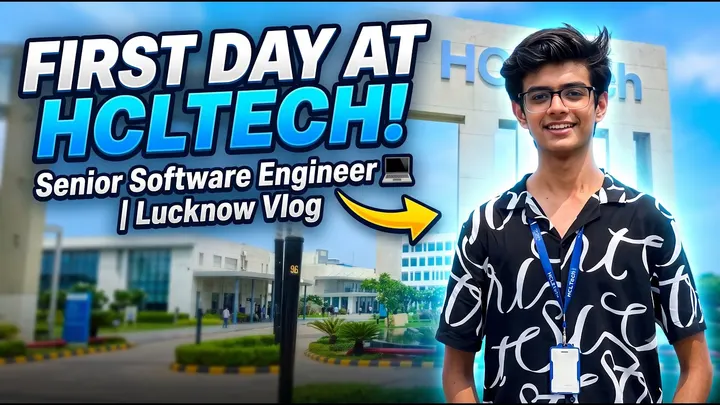
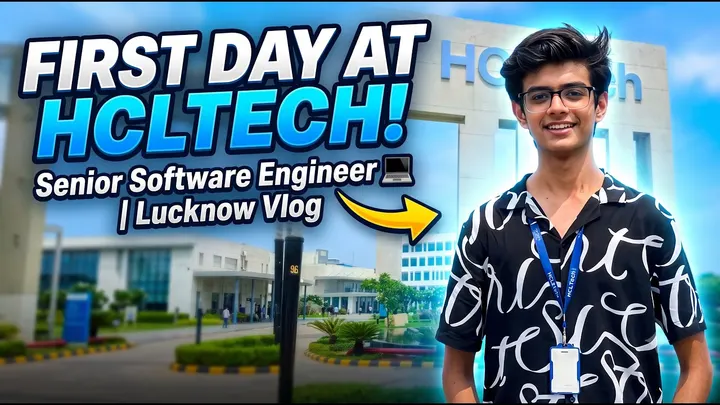
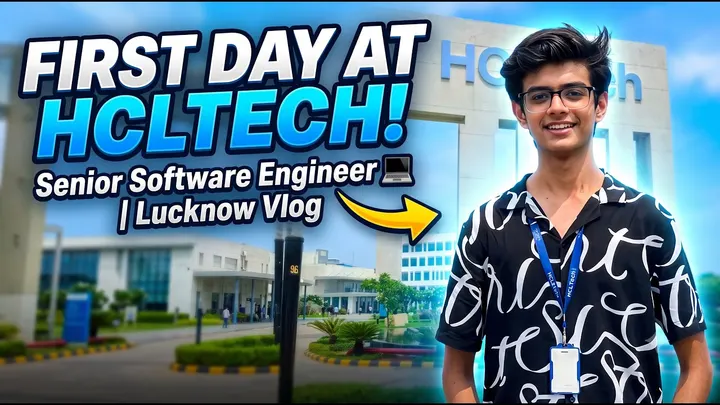
That’s the habit stack that helped me move from the nervous “first‑day” vibe to a confident contributor who actually enjoys the work. If you’re curious about how my very first day looked (the nervous coffee run, the desk setup, the welcome chat), check out my video “My First Day at My First Job! 🥹 HCLTech Lucknow Vlog” linked above.
Got a specific challenge you’re facing right now? Drop a comment, and let’s figure it out together. Good luck, and remember: the first 90 days set the tone, but the habits you build now will carry you far beyond.
Found this useful?
Comments
Questions, experiences, thank-yous: all welcome. No sign-up needed.